Ship duplicate orders together
Tell your warehouse which orders go in one box with the SHIP WITH note and a combined packing slip for the group.
Protect3 min read
1The warehouse note
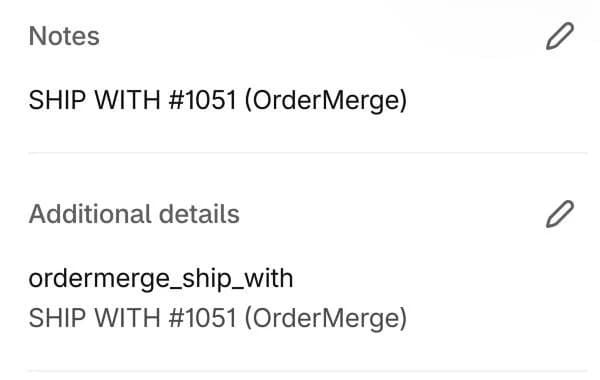
With Add note for warehouse on, OrderMerge adds a line like SHIP WITH #1051 (OrderMerge) to each order's note and an ordermerge_ship_with attribute. Your existing note text is kept, so a 3PL or shipping app that shows order notes to packers shows this too.
2Print one packing slip for the group
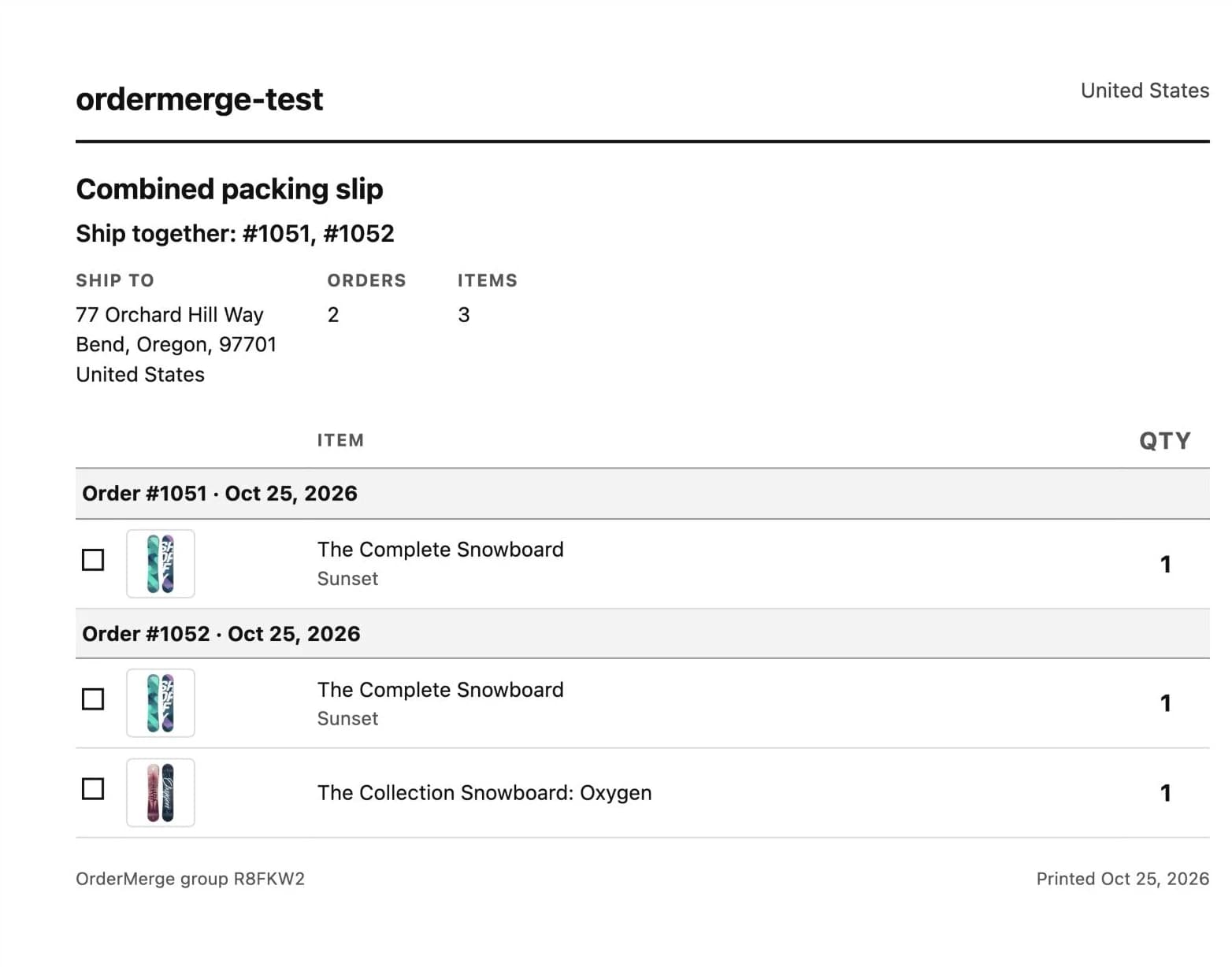
Click Print combined packing slip on the order block or the group page. The slip lists every order in the group with its items and quantities under one ship-to address. Download PDF saves the same slip.
Prices are off by default so the slip can go in the box. Turn them on in Settings if you need them.
3Mark it shipped together
Once the box is out, click Shipped together. The group closes, holds and notes are removed, and the saving is added to your counter.
Try it on your store. The Free plan starts catching duplicates right away.
