Track the shipping money you save
How the savings counter works, where to set your label cost, and how to refund a duplicate shipping charge.
FreeProtect2 min read
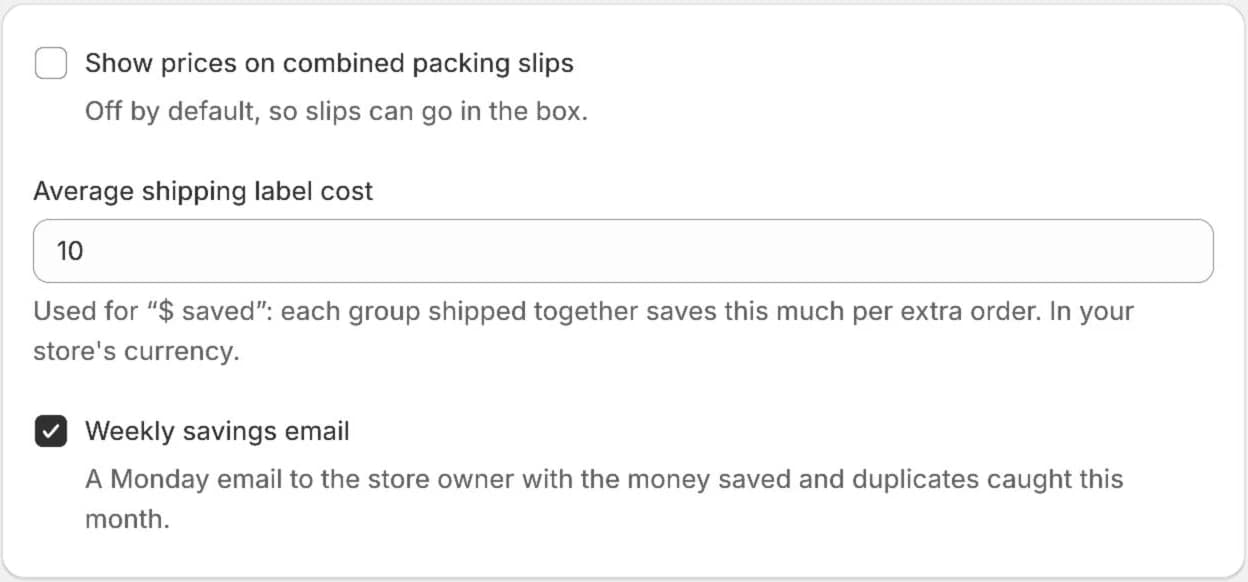
1Set your label cost
In Settings, Packing Slips and Savings, enter your average shipping label cost in your store's currency. Each group shipped together saves that much per extra order.
Turn on the weekly savings email to get the money saved and duplicates caught every Monday.
2See the counter
The order block and the Duplicates page show what you've saved this month next to the number of duplicates caught. The Duplicates page also shows the total since install.

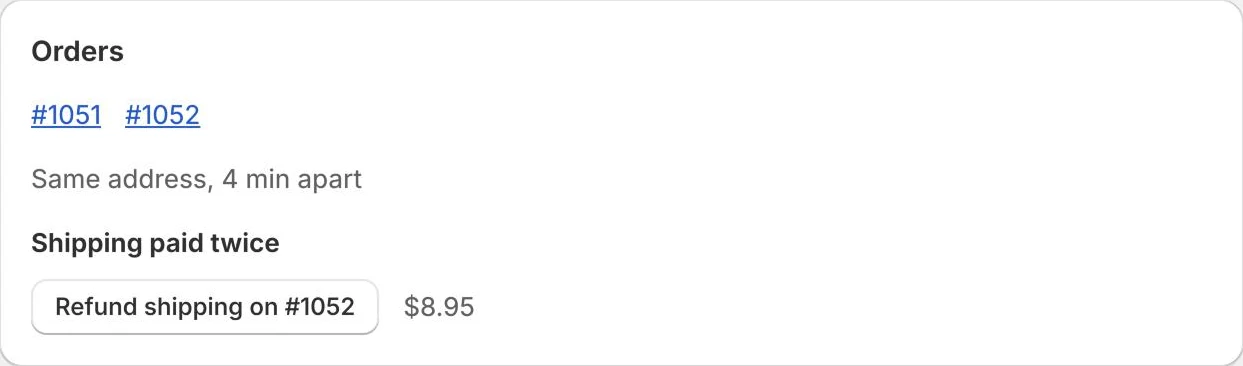
3Refund the extra shipping (Protect)
When a customer paid shipping twice, Refund shipping on the newer order returns that charge through Shopify after you confirm the amount.
Try it on your store. The Free plan starts catching duplicates right away.
