How OrderMerge matches duplicate orders
The four match signals, how guest checkouts with a new email still get caught, and what the reason line tells you.
FreeProtect4 min read
1Four signals
A new order is flagged when it shares any enabled signal with another open order: the same customer account, the same email (case-insensitive, Gmail +tags count as the same address), the same phone number (compared in international format) or the same shipping address.
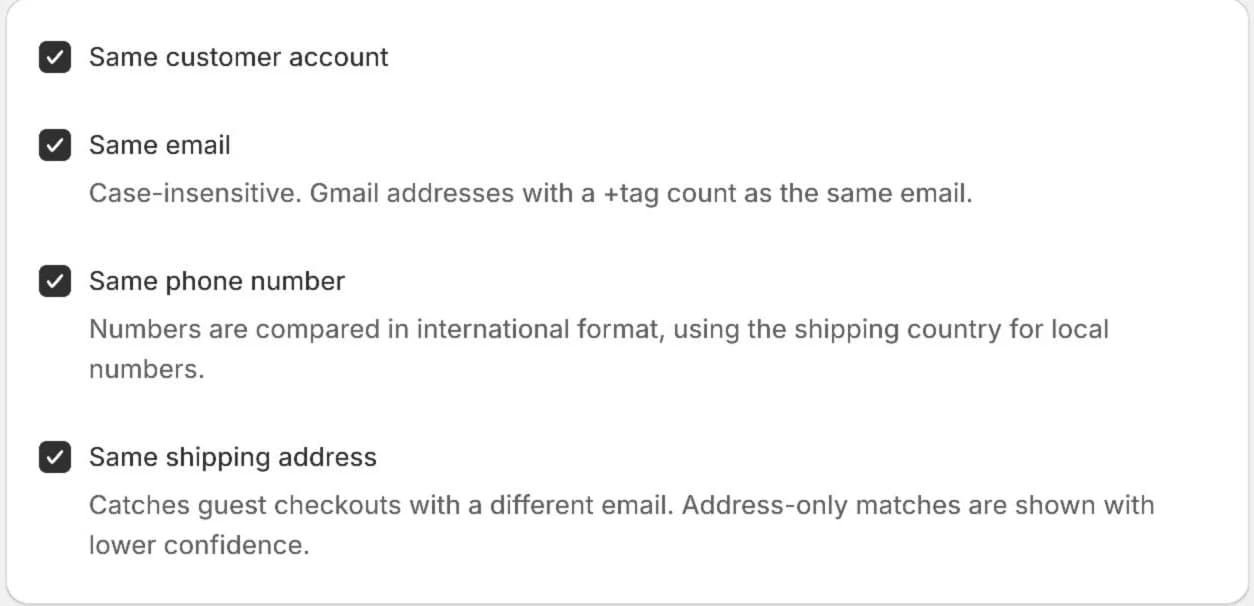
2Guest checkouts with a different email
A customer who checks out again as a guest with a new email still ships to the same place. Address matching catches them. Address-only matches are shown with Low confidence so you know to look twice.
3Read the reason
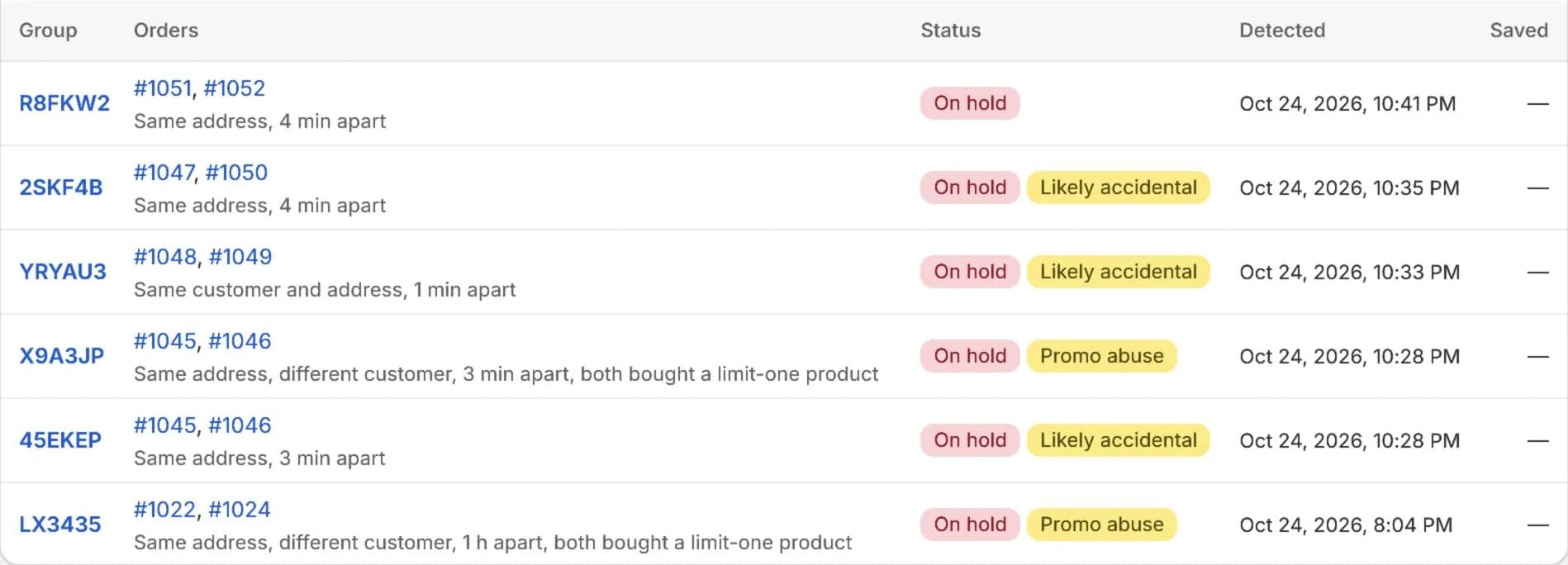
Every group says why it matched, in plain words, for example "Same address, 4 min apart" or "Same customer and address, 1 min apart". The same reason shows on the order block, the group page and the Duplicates list.
4Addresses are compared sensibly
Street, city, postal code and country are compared, ignoring case and extra spaces. Apartment or suite (address line 2) isn't compared, and UK and Canadian postal codes match with or without the space.
Try it on your store. The Free plan starts catching duplicates right away.
